# 2024年12月時点でのReact Native開発環境の構築手順
Table of Contents
毎回React Nativeの環境構築に苦労するので、2024年現時点でしっくりした環境構築の方法を残しておく。
立ち上げるアプリの環境
"expo": "~52.0.11", "react-native": "0.76.3", "eslint": "^8.57.0", "eslint-config-expo": "~8.0.1",Expoでアプリを立ち上げる
npx create-expo-app@latestでプロジェクトを作成すると、
Creating an Expo project using the default template.
To choose from all available templates pass in the --template arg:  $ npx create-expo-app --template
To choose from all available examples pass in the --example arg:  $ npx create-expo-app --example
√ What is your app named? ... my-app✔ Downloaded and extracted project files.
のようにデフォルトで作成される。
しばらくすると
✅ Your project is ready!
To run your project, navigate to the directory and run one of the following npm commands.
- cd my-app- npm run android- npm run ios # you need to use macOS to build the iOS project - use the Expo app if you need to do iOS development without a Mac- npm run web
インストールが完了し、buildコマンドが表示される。
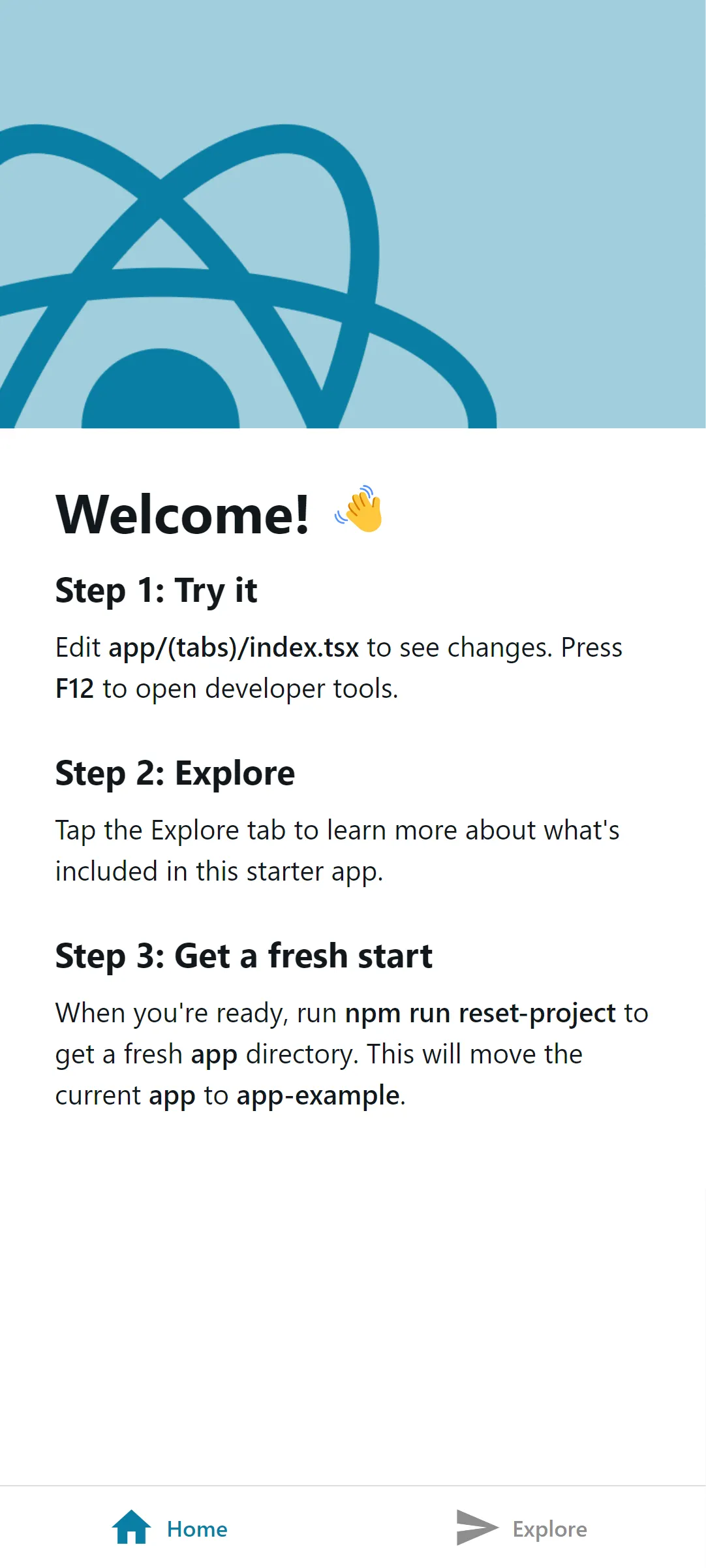
npm run startを実行して、ExpoアプリでQRコードを読み込めば、アプリが表示される。
Tailwind React Native Classnamesを導入する
react nativeのスタイリングに勉強コストをかけたくないので、Tailwindのように直感的に書けるクラスを採用する。
以前は、NativeWindを使っていたのだけれど、環境構築に手間がかかるので、今回はtwrnc(Tailwind React Native Classnames)を使うことにした。
まず、npm install twrncでインストールし、
import tw from 'twrnc';
...<Text style={tw`text-md text-red-500`}>Hello Tailwind React Native Classnames</Text>
これだけでスタイリングをすることができた。
あとはTailwind CSS IntelliSenseでうまく補完できれば最高なので調べてみる。
issueとdiscussionが上がっていた。
これの通り、まずはsetting.jsonのtailwindCSS.experimentalに
"tw`([^`]*)", ["tw.style\\(([^)]*)\\)", "'([^']*)'"],を追加し、tailwind.config.jsを作成する。中身は下記のように空で問題ない。
/** @type {import('tailwindcss').Config} */module.exports = { content: [], theme: { extend: {}, }, plugins: [],};で、再起動で予測変換が効くようになった。
コードフォーマットを導入する
Eslint、Prettierを導入したい。
前回はnpmでインストールしたが、いろいろ調べてみるとコードの貢献方法にあるようにPrettierが標準っぽく書かれている。
私たちは、JavaScript コードのフォーマットに Prettier を使用しています。これにより、Prettier のエディター統合を通じて、または手動で を実行して、フォーマットの問題を自動的に修正できるため、時間と労力を節約できますyarn run prettier。また、コード内に存在する可能性のあるスタイルの問題を検出するために、リンターも使用します。 を実行して、コード スタイルのステータスを確認できますyarn run lint。
実際package.jsonを見るとscriptにlintとあるので、まずは実行してみた。
...
√ No ESLint config found. Install and configure ESLint in this project? ... yesESLint is required to lint your project. Installing eslint@^8.57.0, eslint-config-expo@~8.0.1
› Installing 2 other packages using npm› Using ~8.0.1 instead of ~8.0.1 for eslint-config-expo because this version was explicitly provided. Packages excluded from dependency validation should be listed in expo.install.exclude in package.json. Learn more: https://docs.expo.dev/more/expo-cli/#configuring-dependency-validation> npm installnpm warn deprecated @humanwhocodes/config-array@0.13.0: Use @eslint/config-array insteadnpm warn deprecated @humanwhocodes/object-schema@2.0.3: Use @eslint/object-schema insteadnpm warn deprecated eslint@8.57.1: This version is no longer supported. Please see https://eslint.org/version-support for other options.
added 157 packages, and audited 1362 packages in 12s
190 packages are looking for funding  run `npm fund` for details
5 low severity vulnerabilities
To address all issues (including breaking changes), run:  npm audit fix --force
Run `npm audit` for details.✔ Installed eslint@^8.57.0, eslint-config-expo@~8.0.1
ESlint has been configured 🎉
> npx eslint .そうするとESLintをプロジェクトに追加されるかを聞かれ、続行すると
"eslint": "^8.57.0", "eslint-config-expo": "~8.0.1",がインストールされた。
ただこれだとPrettierがインストールされてない。つまりPrettierは標準じゃない?
よくわからないけど、Prettierもインストールする。
手順は公式のUse ESLint and Prettierを参考にした。
公式を参考にした方法(できなかった)
npx expo install -- --save-dev prettier eslint-config-prettier eslint-plugin-prettier次に、eslintrc.js を修正する。
module.exports = { extends: ['expo', 'prettier'], plugins: ['prettier'], rules: { 'prettier/prettier': 'error', },};でnpm run lintを実行すると、
C:\dev\lazylink\hooks\useColorScheme.web.ts   1:37  error  Replace `'react'` with `"react"`                prettier/prettier   2:52  error  Replace `'react-native'` with `"react-native"`  prettier/prettier  20:10  error  Replace `'light'` with `"light"`                prettier/prettier
C:\dev\lazylink\hooks\useThemeColor.ts   6:24  error  Replace `'@/constants/Colors'` with `"@/constants/Colors"`          prettier/prettier   7:32  error  Replace `'@/hooks/useColorScheme'` with `"@/hooks/useColorScheme"`  prettier/prettier  11:66  error  Insert `,`                                                          prettier/prettier  13:37  error  Replace `'light'` with `"light"`                                    prettier/prettier
C:\dev\lazylink\scripts\reset-project.js  77:182  error  Insert `,`  prettier/prettier
C:\dev\lazylink\tailwind.config.js  1:44  error  Delete `␍`  prettier/prettier  2:19  error  Delete `␍`  prettier/prettier  3:15  error  Delete `␍`  prettier/prettier  4:11  error  Delete `␍`  prettier/prettier  5:16  error  Delete `␍`  prettier/prettier  6:5   error  Delete `␍`  prettier/prettier  7:15  error  Delete `␍`  prettier/prettier  8:3   error  Insert `⏎`  prettier/prettier
✖ 196 problems (196 errors, 0 warnings)  196 errors and 0 warnings potentially fixable with the `--fix` option.
のように大量のerror がでてきた。
npm run lint --fixで潰せると思ったけど、潰れない。試しにnpx prettier --write .でやるとうまく整形できた。
結局下記の方法にした。
"lint": "expo lint && npx prettier --write ."という風にScriptを編集した。
無事にESLintとprettierが動いているのを確認した。